
 English
 Deutsch
How Many Product Images Per Listing? Shots That Convert
November 6, 2026
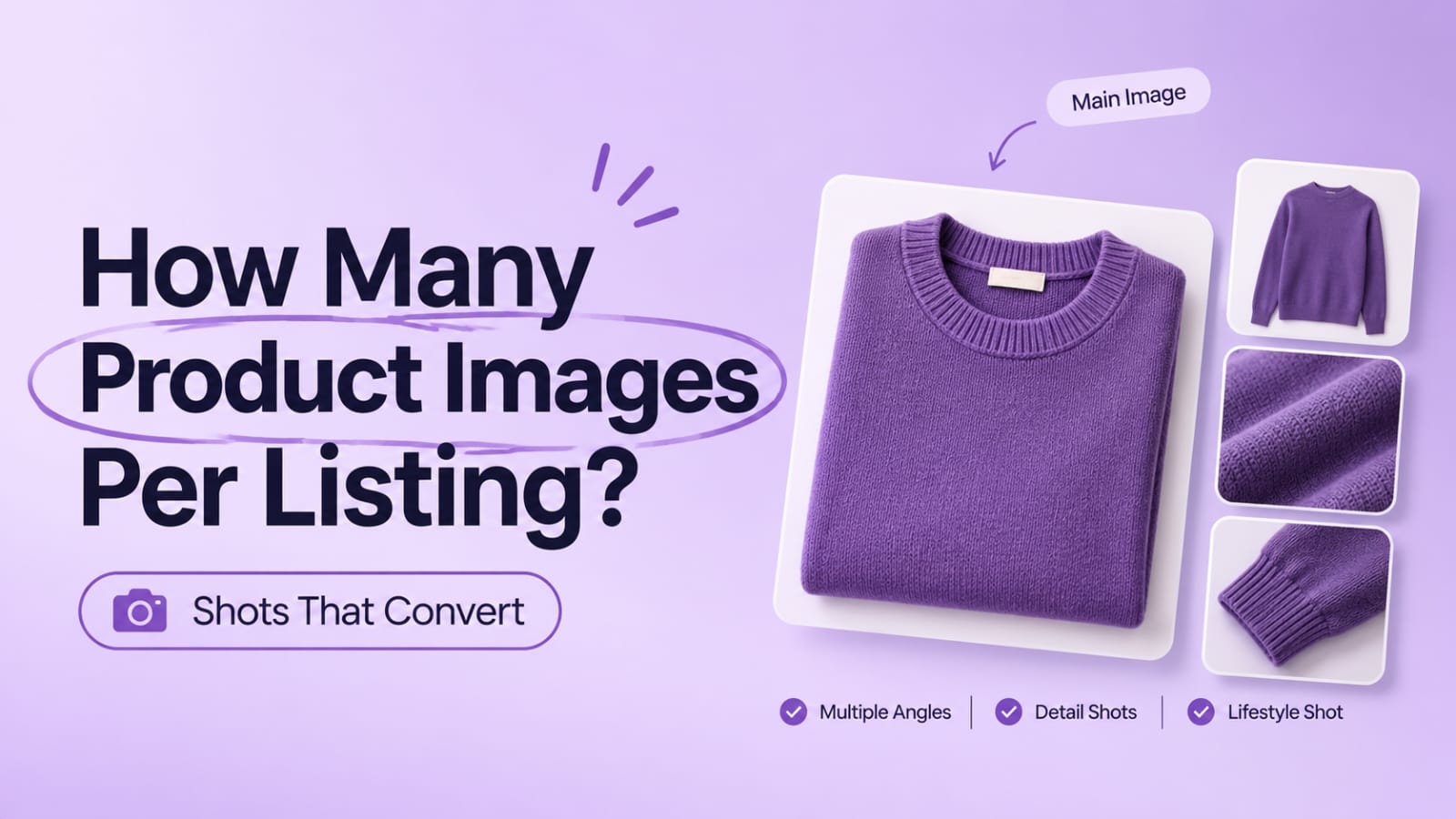
Customers decide whether to buy based on what they can see. A listing with one photo asks them to imagine the rest. A listing with a complete set of images answers their questions before they have to ask.
So how many product images should each listing have? There is no single magic number, but there is a practical answer. Most listings need a core set of images that covers the product from every angle a customer will wonder about, plus the details that build confidence.
This guide walks through the core image set for fashion, jewelry, and home products, explains the role of each shot, and shows why consistency across the set matters as much as the number of images.
Why the Number of Product Images Matters
Images do the work a salesperson would do in a store. They show shape, color, scale, material, and finish. When a customer can't pick up the product, the images have to answer the questions they would otherwise ask.
Too few images leave gaps. A customer who can't see the back, the fabric up close, or the product in use often hesitates or leaves. Unanswered questions become abandoned carts.
Too many inconsistent images create a different problem. A long gallery where lighting, crop, and color shift from shot to shot feels cluttered and untrustworthy, even if each image is good on its own.
The goal is a complete, consistent set. Completeness reduces doubt. Consistency builds trust.
The Core Image Set
Every listing benefits from a foundation of shots. The exact mix varies by category, but the roles remain similar.
Main image. The first image a customer sees, usually a clean front view on a neutral background. It must represent the product accurately because it sets the expectation for everything else.
Alternate angles. Front, back, side, and three-quarter views show the shape and proportions. They answer the question "what does this look like from where I'm not standing?"
Detail shots. Close-ups of stitching, clasps, textures, stone settings, hardware, or finishes. These build confidence in quality and reveal features that a wide shot cannot.
Scale reference. A shot that shows size, either with a hand, a common object, or a measured reference. This is especially useful for jewelry, bags, and home décor.
Lifestyle or in-context shot. The product in use or in a real setting. It helps the customer imagine owning it.
On-model or in-use shot. For apparel and wearable accessories, this shows fit, drape, and how the product sits on a body. It is one of the strongest conversion tools for fit-sensitive categories.
Core Sets by Category
The same roles apply across categories, but the emphasis shifts.
Fashion. Front, back, side, detail of fabric and construction, close-up of neckline or cuffs, a ghost mannequin or on-model view, and a shot showing the inside label or lining where relevant. Fit and drape carry the most weight here.
Jewelry. Front, angle, close-up of the stone or setting, a shot showing the clasp or closure, a scale reference on a hand or neck, and a lifestyle or worn view. Macro detail and consistent metal color are critical because customers look closely.
Home products. Front, side, top or interior view if relevant, a scale shot showing it in a room, a detail of materials and finish, and a lifestyle image that shows the product in use. Context and scale matter more than in most categories.
Why Consistency Across the Set Matters
A listing is a set, not a collection of unrelated photos. Customers move from image to image expecting the same product, the same color, and the same level of finish.
Consistent lighting keeps color reliable from shot to shot. If one image is warm and another is cool, the customer will question which one is accurate.
Consistent backgrounds and crop make the gallery feel deliberate. Shifting margins and sizes make the product appear to jump around when the customer swipes.
Consistent color across the set is especially important for multi-color products. If the main image shows navy and the detail shot looks almost black, the customer has to guess which one is right.
Consistent retouching level keeps the product looking like the same item in every frame. Heavy correction in one image and minimal work in another can make the product seem different.
When these elements line up, the listing feels credible. When they drift, even a generous number of images can look unprofessional.
Practical Guidance on How Many Images
A useful starting point is to cover the core roles above before adding anything else. For many listings, that means a main image, several alternate angles, a few detail shots, and at least one contextual or on-body shot.
Add images where customers have questions. If returns or support emails frequently mention fit, add a fit-focused shot. If customers ask about a closure or material, add a detail. Let real feedback guide the additions.
Avoid padding. More images are not always better. A gallery with repeated angles or filler shots can dilute the strongest images and slow the page.
Check mobile. Customers often browse on phones. Make sure the most important shots work at small sizes and that the key details still read clearly.
Core Image Set Checklist
- Main image is accurate, clean, and on a consistent background
- Front, back, and side or three-quarter views are included
- Detail shots show material, finish, and construction
- A scale reference is included where size is unclear
- A lifestyle or in-context image shows the product in use
- On-model or worn views are included for fit-sensitive categories
- Lighting and color are consistent across all images
- Crop, margins, and background match throughout the set
- Retouching level is consistent across the listing
- Gallery is free of repeated or filler images
- Key details remain clear at mobile sizes
FAQ
Q: Is there an ideal number of images per product listing?
A: There is no universal number, but a complete core set usually covers the main image, alternate angles, detail shots, scale, and a lifestyle or in-use view. Add more only when each image answers a real customer question.
Q: Do I need on-model photos for every apparel product?
A: Not always, but they are highly valuable for fit-sensitive garments. If a product is hard to judge without seeing it worn, an on-model or ghost mannequin view is worth including. Simpler items may do well with flat views and detail shots.
Q: Should every image in the listing be retouched to the same level?
A: Yes, as far as possible. Consistent retouching keeps the product looking like the same item across the gallery. Discuss your retouching level with your editor and apply it to the whole set, not just the main image.
Q: What if I have fewer images than the core set?
A: Start with the most important roles: a clean main image, one or two alternate angles, and a detail shot. Add the remaining roles as you produce them. A smaller, consistent set is better than a larger, uneven one.
A strong product listing answers the questions a customer would ask in person. The number of images matters less than whether the set covers the product fully and looks consistent from one shot to the next. Build a core set for each category, then add images where customers need more information. If you want help making every image in your listings consistent, explore our services and send a few products for a test batch.


