
 English
 Deutsch
Shopify Product Image Sizes: Requirements Guide (2026)
September 3, 2026
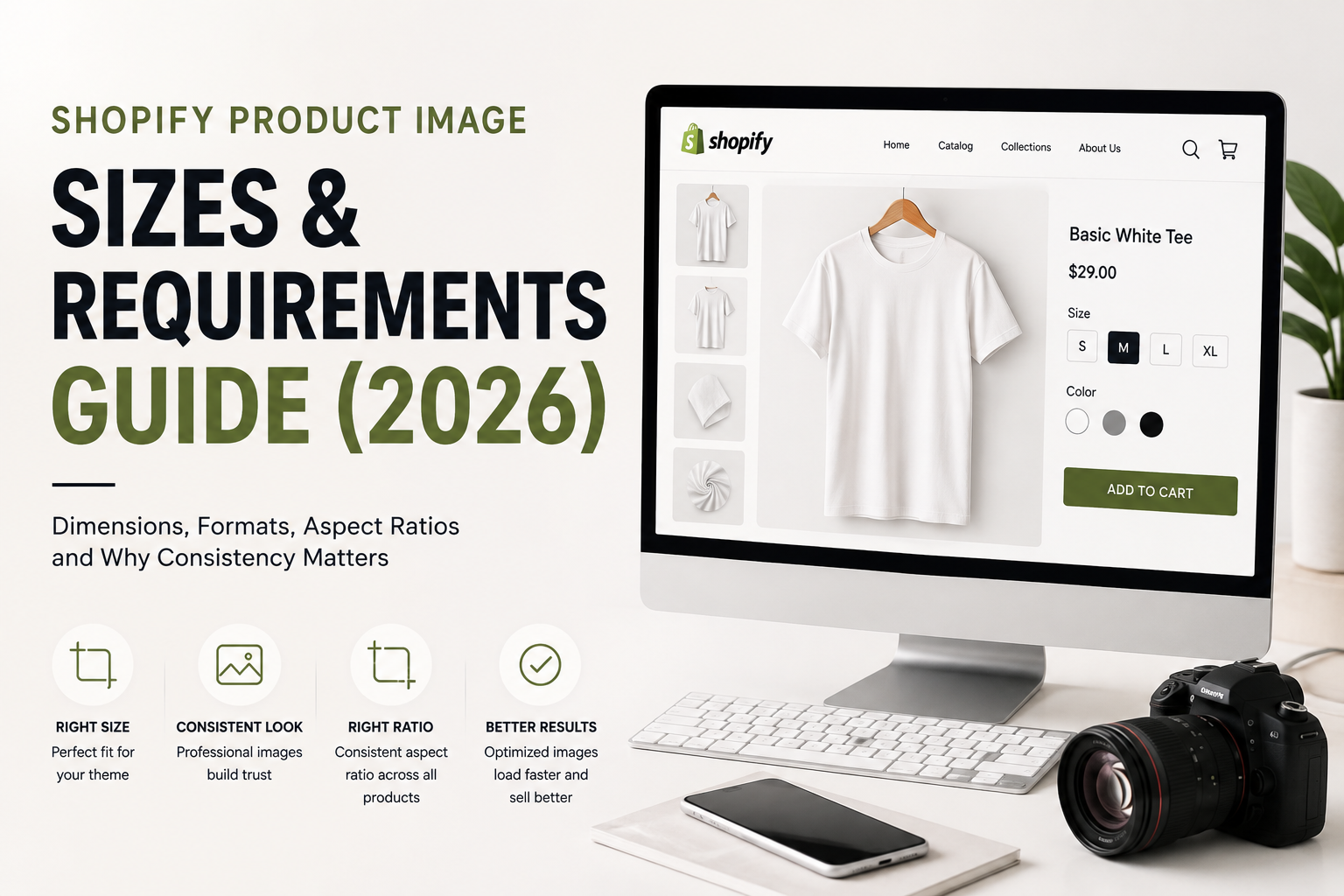
Your Shopify theme has specific requirements for product images, and they're different from Amazon's. Get them wrong, and your images look stretched, cropped, or unprofessional. Get them right, and your product galleries look polished and cohesive.
The challenge is that Shopify product image size requirements vary by theme. There's no one-size-fits-all answer. But there are principles that apply universally: consistency matters, backgrounds and edges matter, and understanding your theme's layout is critical.
This guide covers the general guidelines for Shopify product image sizing, why consistent dimensions matter, and how to optimize images for your specific theme and storefront.
Why Shopify Product Image Size Matters
Inconsistent images look unprofessional. If your product gallery shows images at different sizes or aspect ratios, it looks sloppy. Customers notice.
Theme layout depends on proper sizing. Your Shopify theme is designed to display images at specific dimensions. If your images don't fit those dimensions, they get stretched, cropped, or display with awkward white space.
Mobile responsiveness. Shopify themes are responsive, meaning images scale on mobile phones. Improper sizing breaks responsiveness and creates poor mobile experiences.
Page load speed. Oversized images slow down your site. Properly sized images load faster, which improves SEO and user experience.
Consistent backgrounds matter. If some images have pure white backgrounds and others have gray, or some have drop shadows and others don't, your catalog looks inconsistent. This hurts brand perception.
Understanding Shopify Product Image Size Requirements
Shopify product image size varies by theme, so you need to check your specific theme's specifications. Here's how:
Go to your Shopify admin and check your theme documentation. Most themes specify recommended image dimensions in the theme settings or documentation. Look for guidance on product image sizes, aspect ratios, and optimal dimensions.
Check for thumbnail and featured image sizes separately. Your theme may have different requirements for the main product image and thumbnail images in the gallery.
Understand aspect ratio. Your theme likely has a preferred aspect ratio (like square, 1:1, or rectangular, 4:3, or 16:9). Understanding this is critical because images that don't match the aspect ratio will be cropped or padded.
Test in your actual theme. The best way to understand your theme's image requirements is to upload test images and see how they display. Different themes handle images differently.
General Guidance on Image Dimensions and Formats
While specific dimensions vary, here are general principles:
File format. Shopify supports common formats like JPEG and PNG. JPEG is generally better for product photos (smaller file size, good quality). PNG is better if you need transparency (for images with removed backgrounds).
File size. Keep image file sizes reasonable for web. Large files slow down your site. Optimize images before uploading to Shopify. Smaller file sizes load faster.
Resolution. Product images should be high quality so customers can zoom in and see details. Upload larger images and let Shopify scale them down. This ensures quality at all device sizes.
Aspect ratio. Most Shopify themes work best with square images (1:1 aspect ratio) for product photos. Some themes prefer rectangular formats. Check your theme documentation to confirm.
Consistency. This is more important than any specific dimension. All your product images should have the same aspect ratio, background style, and edge treatment. Consistency creates a cohesive, professional look.
Why Consistent Backgrounds and Edges Matter
Consistent backgrounds create visual harmony. If some images have pure white backgrounds and others have light gray, your product grid looks disjointed. Customers perceive inconsistency as a lack of professionalism.
Clean edges are critical. If images are cropped inconsistently, or if edges are rough or have halos, they look sloppy. Professional clipping path work ensures clean, sharp edges on every image.
Theme layouts assume consistency. Shopify themes are designed with the assumption that all your product images have similar dimensions and backgrounds. Inconsistency breaks the layout.
Consistent backgrounds simplify editing. If you decide later to change your background color or add a shadow, consistent source images make bulk editing faster and easier.
Mobile display. On mobile, small inconsistencies become obvious. A product image that's slightly different in size or background stands out negatively.
How to Prepare Images for Shopify
Before uploading to Shopify, prepare your images properly:
Size your images according to your theme specifications. If your theme recommends square images, make sure your product images are square. If it recommends a specific minimum width, ensure your images meet that width.
Optimize file size. Use image compression tools to reduce file size without losing visible quality. Smaller files load faster.
Ensure consistent backgrounds. Use professional background removal and replacement to ensure all images have the same background color and treatment. This is where our clipping path background removal service becomes valuable.
Clean up edges. Use clipping path to ensure product edges are clean and sharp, not rough or fuzzy.
Check color consistency. Use color correction to ensure all images have consistent color tone and saturation.
Remove any distracting elements. Make sure logos, watermarks, or irrelevant objects aren't in the frame.
Test in your theme. Upload a few test images to your Shopify store and see how they display. Adjust sizing and formatting based on what you see.
Why Shopify Image Consistency Matters More Than Perfect Specs
The truth is, no single set of specifications works for every Shopify store. Your theme, your product type, and your brand all affect what looks best.
But consistency always matters. A store with 100 consistently-sized, consistently-formatted product images looks professional. A store with images of varying sizes, backgrounds, and quality looks amateurish, even if individual images are high-quality.
This is why many successful Shopify stores use a single provider for all product image editing. One editor ensures consistency across your entire catalog. One set of background rules, one color grading approach, one edge treatment.
If you've been inconsistent, don't panic. Outsourcing a batch edit to ensure consistency is often worth the investment. The resulting cohesive look improves brand perception and customer confidence.
Shopify Product Image Optimization Checklist
- Check your theme documentation for recommended image dimensions
- Understand your theme's preferred aspect ratio
- Ensure all product images have the same aspect ratio
- Use consistent background color and style across all images
- Verify file sizes are optimized for web (not oversized)
- Check that image edges are clean and professional
- Confirm color consistency across your catalog
- Test images in your actual Shopify theme before uploading
- Verify images display correctly on mobile devices
- Remove any watermarks or distracting elements
FAQ
Q: What's the best aspect ratio for Shopify product images?
A: It depends on your theme. Most themes work well with square images (1:1 aspect ratio), but some prefer rectangles. Check your specific theme documentation. The most important thing is consistency across all your product images.
Q: Can I use the same images on both Shopify and Amazon?
A: Not exactly. Amazon requires pure white backgrounds and specific dimensions. Shopify themes often work better with square images or other aspect ratios. You can start with the same source images, but you'll likely need different versions for each platform.
Q: How do I optimize image file size for Shopify without losing quality?
A: Use image compression tools (available online or in editing software) to reduce file size. JPEG format generally compresses better than PNG. Test different compression levels to find the balance between file size and quality. Smaller files load faster, which improves both user experience and SEO.
Q: What happens if my product images don't match my theme's specifications?
A: Shopify will display them, but they may be cropped, stretched, or padded with white space. Images that don't fit your theme's aspect ratio can look awkward. Always check your theme's specifications and adjust your images accordingly.
Shopify product image size requirements are specific to your theme, but the principles of consistency, clean edges, and professional backgrounds apply universally. Getting your images right from the start makes your store look polished and professional. Our clipping path background removal service ensures consistent backgrounds, clean edges, and proper sizing across your entire Shopify catalog. Test your product images with a free test batch to see how professional image preparation transforms your storefront.
%401x.svg)


